Revit 2D Entourage Library: Professional Figures
04/03/2026
Revit Presentation Sheets: Aesthetic Interior Layouts
05/03/2026
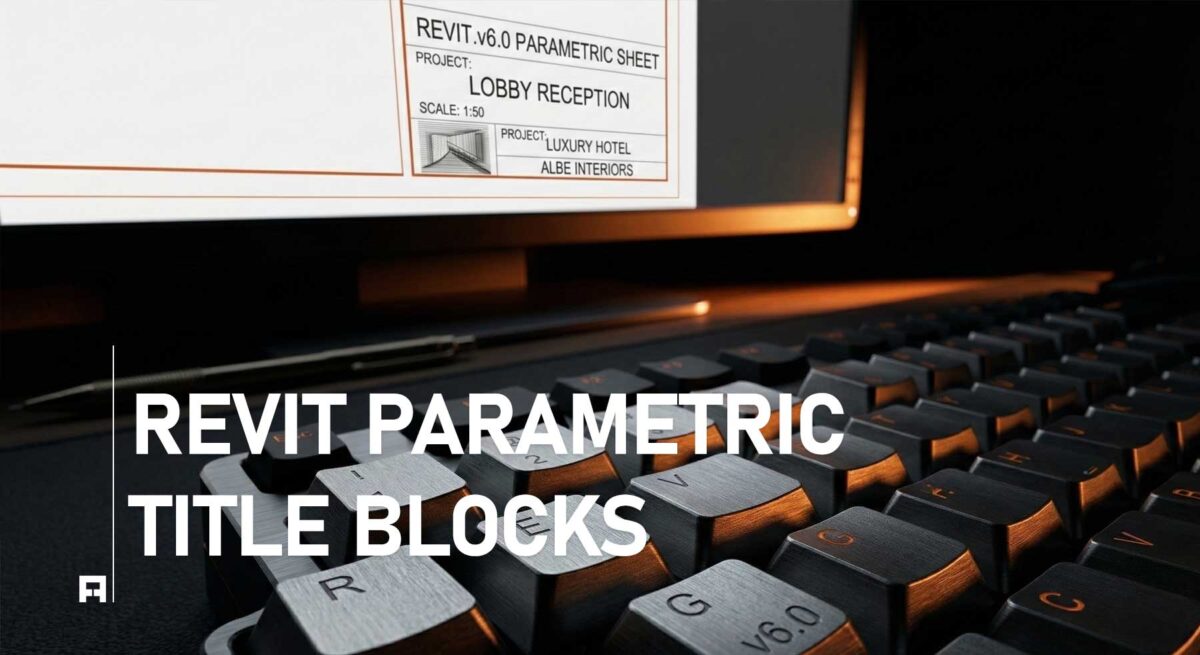
The Nightmare of Manual Sheet Management
First, manual sheet management is a huge problem for growing studios. Often, large architecture projects have hundreds of individual drawings. Therefore, updating sheet names and numbers by hand wastes hours. Consequently, human errors happen very easily during intense project deadlines. Ultimately, these small mistakes can lead to serious coordination issues.
Indeed, a disorganized documentation set ruins your professional reputation instantly. Obviously, working experts do not want extra administrative mess. Instead, you deserve a smart, automated working system. Therefore, your project setup must follow global BIM documentation standards. In fact, moving away from manual text notes is absolutely essential.
The Power of Parametric Title Blocks
Fortunately, advanced Revit features handle project data beautifully when correctly applied. By using shared parameters, your title blocks connect to the model. Specifically, you can change a project name once in the settings. Instantly, every single page in your set updates automatically without clicking.
Below, we explore how parametric systems improve your daily studio efficiency:
1. Global Data Automation
Initially, setting up shared parameters in Revit seems very difficult. However, the time saved during the revision phase is simply incredible. Ultimately, you eliminate repetitive typing completely from your daily work schedule. As a result, your design team focuses purely on architectural quality. Basically, you stop wasting valuable billable hours fixing simple sheet numbers.
2. Seamless Revision Tracking
Second, tracking changes across multiple client submissions is highly complex. Luckily, parametric title blocks include built-in revision schedules that update live. For example, when you add a revision cloud, the index updates. Importantly, this maintains the strict standards required by the American Institute of Architects (AIA). Consequently, your contractors always receive the most accurate construction data possible.
📥 Features of the PRO Title Block System
Specifically, this professional parametric package includes these smart digital tools:
- ✅ Global Parameter Sync: Change project data once perfectly.
- ✅ Auto-Scaling Graphics: Minimalist layouts adjust to any sheet size.
- ✅ Integrated Revision Clouds: Automated tracking of all design changes.
Choose Your Automation Level
Naturally, the LITE version is a great starting point for students. However, professional architectural firms require much more data management power. Consequently, we offer the PRO system for large-scale construction documentation.
Comparison: LITE vs. PRO Title Blocks
| Feature | LITE VERSION (Basic) |
PRO SYSTEM (Automated) |
|---|---|---|
| Parametric Sync | Basic | Full Global Sync |
| Revision Schedules | ❌ | Automated Tracking |
| Sheet Sizes | Standard A3+Arch B | A0 to A4 + Arch B,C,D,E |
| Action | Get Lite | Get PRO |
🚀 Master Your BIM Workflow
Currently, our advanced parametric systems are helping hundreds of studios globally. Thus, you should upgrade your standard today. As a result, you will present projects with total technical confidence. Finally, stop wasting time and start automating your Revit sheets immediately.