Revit for Architecture: Mastering Studio Workflows
04/03/2026
Revit Standards for Architects: Practical Workflows
04/03/2026

The Trap of Default Software Setups
First, starting a new project is always very exciting. However, default Revit templates often destroy this energy. Usually, standard files are incredibly messy and unorganized. Consequently, you waste hours searching for basic views. Furthermore, bad graphics ruin your architectural presentation quality. Ultimately, default setups kill your studio productivity completely.
Indeed, professional BIM architecture workflows require better foundations. Obviously, working architects do not want extra mess. Instead, you deserve a smart, clean digital environment. Therefore, your project setup must follow global rules. In fact, standardizing your studio is absolutely essential.
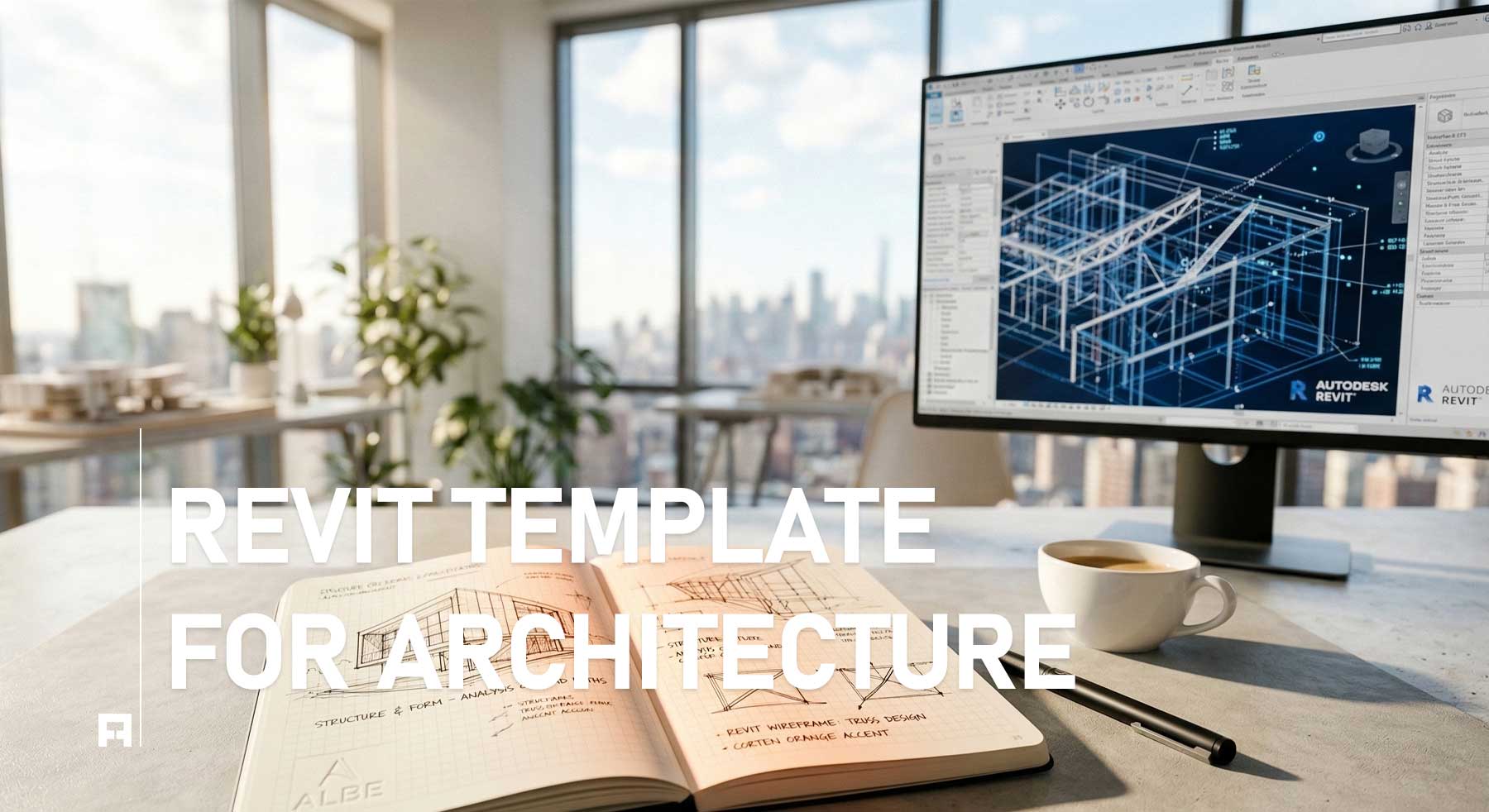
Revit Architecture Templates: Essential Setup (Free)
Why You Need an Essential Setup
Fortunately, using a pre-built template solves these problems. By doing this, you unify your entire team. Specifically, clean files meet high architectural standards easily. Below, we explore the core benefits of templates:
1. Clean Project Browser Organization
Initially, your template must organize all project data. Thus, you find floor plans and elevations instantly. Instead of chaos, you experience complete digital order. As a result, your daily design tasks accelerate greatly. Moreover, consistent folders build your unique firm identity. Basically, organized data is the heart of BIM. Naturally, this saves you hundreds of billable hours.
2. Standardized Graphic Quality
Second, technical drawings must look beautiful and readable. Luckily, professional templates automate your line weights perfectly. For example, walls and windows display correctly without effort. Actually, manual graphic overrides ruin your project entirely. Therefore, you must use pre-set view templates always. Ultimately, this guarantees a smooth and seamless workflow. Consequently, your team meets tight submission deadlines safely. Furthermore, this matches strict AIA graphic standards perfectly.
3. Lightweight Family Integration
Third, heavy 3D internet models ruin file performance. Usually, default setups lack clean and professional families. Instead, our templates include highly optimized 2D assets. Importantly, this keeps your digital model incredibly fast. Because of this, your computer will never crash suddenly. Indeed, technical stability is crucial for commercial projects. Basically, you let the powerful software work harder. Therefore, you focus entirely on your creative vision.
📥 Download Your Free Essential Setup
Obviously, building a standard template takes many months. Actually, our team has already done this work. Right now, you can download our essential foundation. In short, you can start designing immediately today. Specifically, this free template includes three essential components:
- ✅ Organized Browser: First, find your views and sheets instantly.
- ✅ Clean Families: Second, use lightweight assets for fast performance.
- ✅ View Templates: Third, automate graphics for standard floor plans.
Choose Your Implementation Level
Naturally, the LITE version is great for beginners. However, professional commercial studios require much more power. Consequently, we built advanced PRO systems for you.
Workflow Packages: LITE vs. PRO
| Feature | LITE TEMPLATE (Free) |
PRO SYSTEM (Advanced) |
|---|---|---|
| Browser Rules | Basic Setup | Full Studio Standards |
| Graphic Styles | Standard | High-End Presentation |
| Usage Level | Students / Beginners | Commercial Studios |
| Action | Get Lite | Upgrade to PRO |
🚀 Elevate Your Architectural Practice
Currently, our professional bundles help top studios globally. Thus, you should upgrade your graphic standard today. As a result, you will present projects perfectly always. Finally, stop wasting time and start designing smarter.