Advanced Revit Architecture Templates for Studios
04/03/2026
Revit Title Blocks: Standardizing Architecture Sheets
04/03/2026

The Limits of Basic Interior Templates
First, complex interior projects require advanced digital tools. However, standard templates lack essential interior design features. Usually, default files ignore proper material tagging completely. Consequently, designers waste hours managing custom millwork schedules. Furthermore, bad workflows ruin your creative design energy. Ultimately, professional studios need much more powerful systems.
Indeed, relying on basic tools hurts your business. Obviously, working experts do not want extra mess. Instead, you deserve a smart, automated working system. Therefore, this setup must match global interior standards. In fact, having a high-performance foundation is essential. Basically, advanced templates scale your interior design practice.
Why Advanced Studio Standards Matter
Fortunately, advanced templates solve these massive problems instantly. By doing this, you automate your daily process. Specifically, advanced setups match the highest BIM standards. Naturally, your entire studio team works much faster.
Next, we explore the core benefits of upgrades:
1. Automated Phasing and Demolition
Initially, handling complex interior renovations is very tricky. Thus, our advanced template includes pre-configured phase filters. Instead of manual overrides, demolition plans generate automatically. Moreover, new construction views separate from existing structures. As a result, your contractors understand the design perfectly. Basically, this prevents costly errors on the site. Consequently, your firm saves money during actual construction. Furthermore, this matches strict AIA interior graphic rules.
2. Professional Millwork and Joinery
Second, high-end interiors require extremely precise custom details. Luckily, this pro setup includes advanced millwork families. For example, you get fully parametric custom cabinetry. Additionally, these lightweight 2D details keep performance fast. Therefore, your interior elevations look absolutely stunning immediately. Ultimately, beautiful drawings secure much better client approvals. Indeed, aesthetic precision is vital for commercial success.
3. Seamless Project Documentation
Third, managing hundreds of technical sheets is difficult. Usually, designers waste time numbering pages by hand. Instead, our advanced systems use parametric title blocks. Importantly, changing a project name updates every sheet. Because of this, your document set remains coordinated. Naturally, this level of automation is highly necessary. Basically, professional interior design presentation requires advanced tools. Consequently, your studio produces reliable drawing sets faster.
📥 Build Your Standardized Studio
Specifically, this professional package includes advanced digital tools:
- ✅ First, use advanced phasing logic for complex renovations.
- ✅ Second, enjoy full annotation suites for perfect plotting.
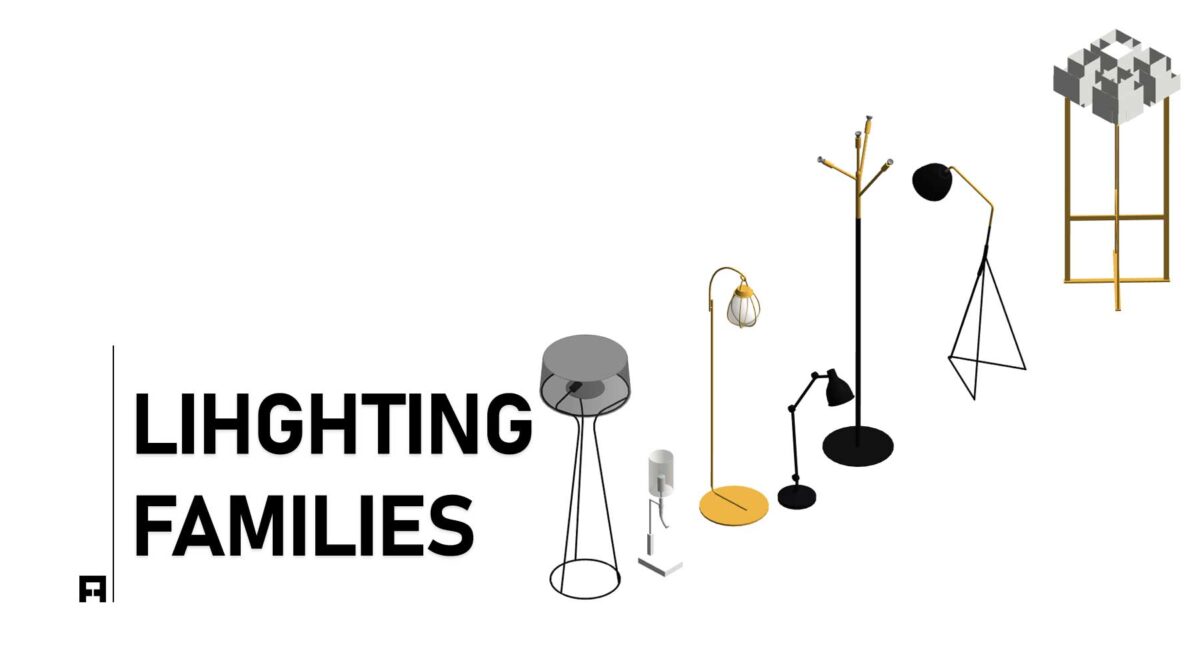
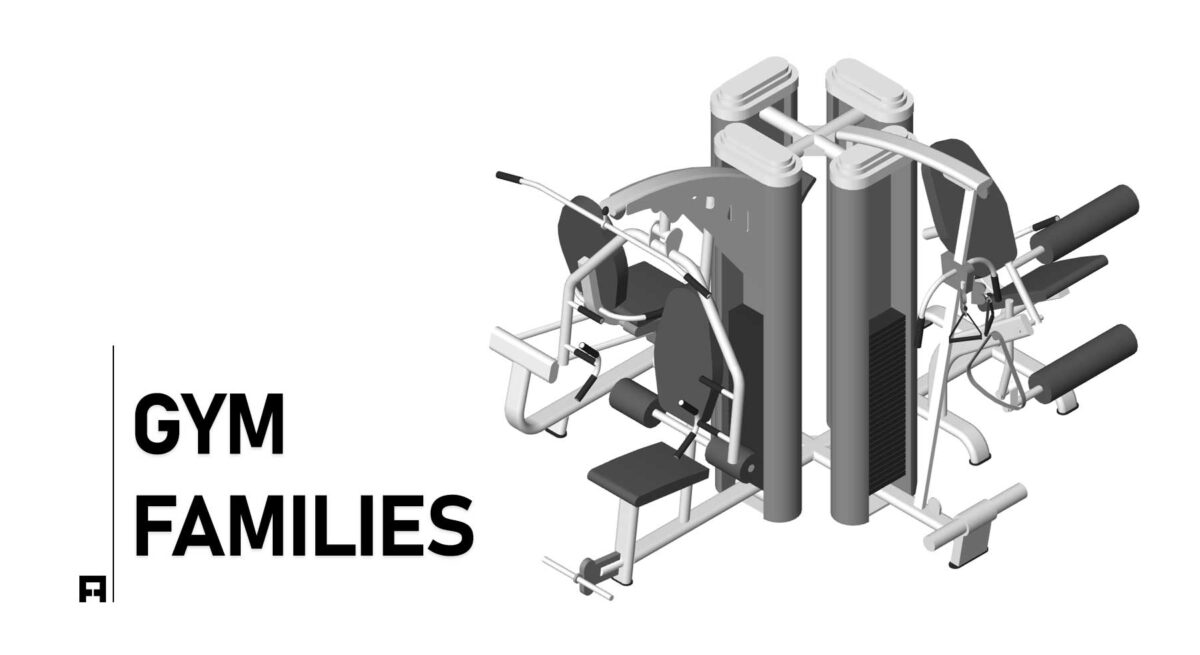
- ✅ Third, access a complex parametric interior family library.
Choose Your Workflow Level
Naturally, the LITE version is great for beginners. However, professional studios require much more computing power. Consequently, we offer advanced systems for large jobs. Actually, you can upgrade your studio standards today.
Workflow Packages: LITE vs. PRO
| Feature | LITE TEMPLATE (Basic) |
PRO SYSTEM (Advanced) |
|---|---|---|
| Browser Organization | Standard Setup | Advanced Phasing |
| Data Automation | Manual Control | High-Level BIM |
| Usage Level | Small Projects | Luxury Design Studios |
| Action | Get Lite | Upgrade to PRO |
🚀 Elevate Your Interior Standards
Currently, our advanced systems are in high demand. Thus, you should upgrade your standard studio today. As a result, you will present complex projects perfectly. Finally, stop fighting with limited and broken tools.