





Revit Architecture & Interiors Title Blocks (LITE)
22/02/2026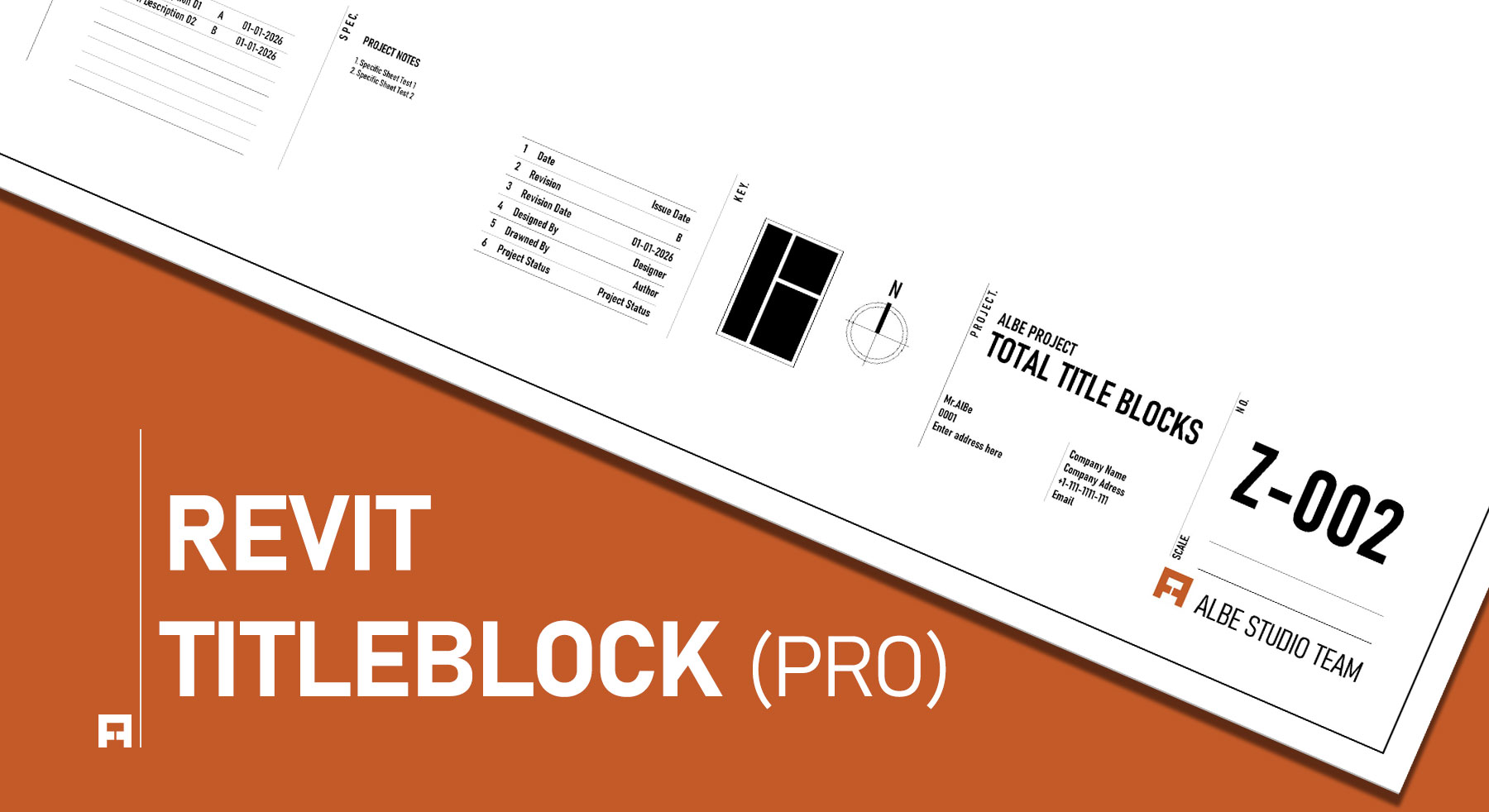

Revit Architecture & Interiors Title Blocks (PRO)
Stop wasting hours manually updating sheet numbers and project data.
This is the ultimate parametric sheet management solution for professional studios. Our smart title blocks automatically update across your entire project with a single click. Bridge the gap between technical BIM standards and high-end, magazine-quality presentation graphics today.
⚡ Instant Access Powered by Gumroad

Original price was: $16.00.$9.00Current price is: $9.00.
Streamline Your Revit Documentation.
Managing drawing sheets takes a lot of time. Additionally, doing this by hand often causes mistakes. Therefore, we built these professional title blocks to help you work better. As a result, you will spend much less time fixing sheet numbers.
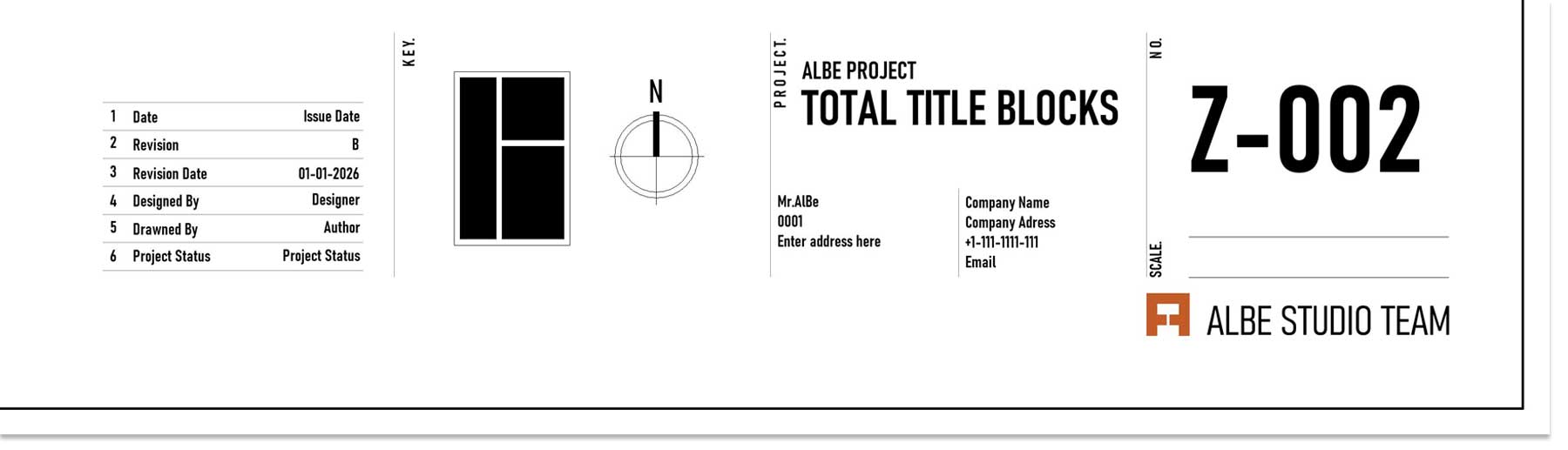
Professional Revit Title Blocks for Architecture and Interior Design
These are not just simple lines on a page. Instead, they are highly intelligent BIM tools. Consequently, your project data updates smoothly across all your sheets. Because of this, your team can rely on accurate drawings in Autodesk Revit.
Furthermore, we know that every studio has unique needs. For this reason, we included multiple standard sizes. For instance, you will find formats ranging from A0 to A3. Thus, you are always ready to print your final set.
Smart Features Designed for Studios
🌐 Global Parameters
Update project data easily. As a result, you do not need to open every single sheet.
📐 Multiple Layouts
Switch between grid styles quickly. Therefore, you can match your client’s needs easily.
🖋️ Studio Aesthetics
Enjoy clean and simple text. In addition, the minimal design looks great on PDF exports.
Perfect for Architects and Designers
Interior design needs different graphics than architecture. For example, interior sheets often require more white space. Also, they need clean mood board areas. Because of this, our package gives you options for both fields.
Are you working on large building plans? If so, you should read our guide on Revit Parametric Title Blocks: Seamless Sheet Management Workflows. Alternatively, if you focus on inside spaces, check our article on Revit Presentation Sheets: Aesthetic Layouts for Interior Design.
Want to test our system first?
You can test our basic standards for free. Simply download the Free LITE Version today. After that, you can see exactly how our families work in your own files.
Related products
-
Revit Architecture & Interior Template (Standard)
Original price was: $49.00.$29.99Current price is: $29.99.


