The Ultimate Guide to Interior Design in BIM
01/04/2025
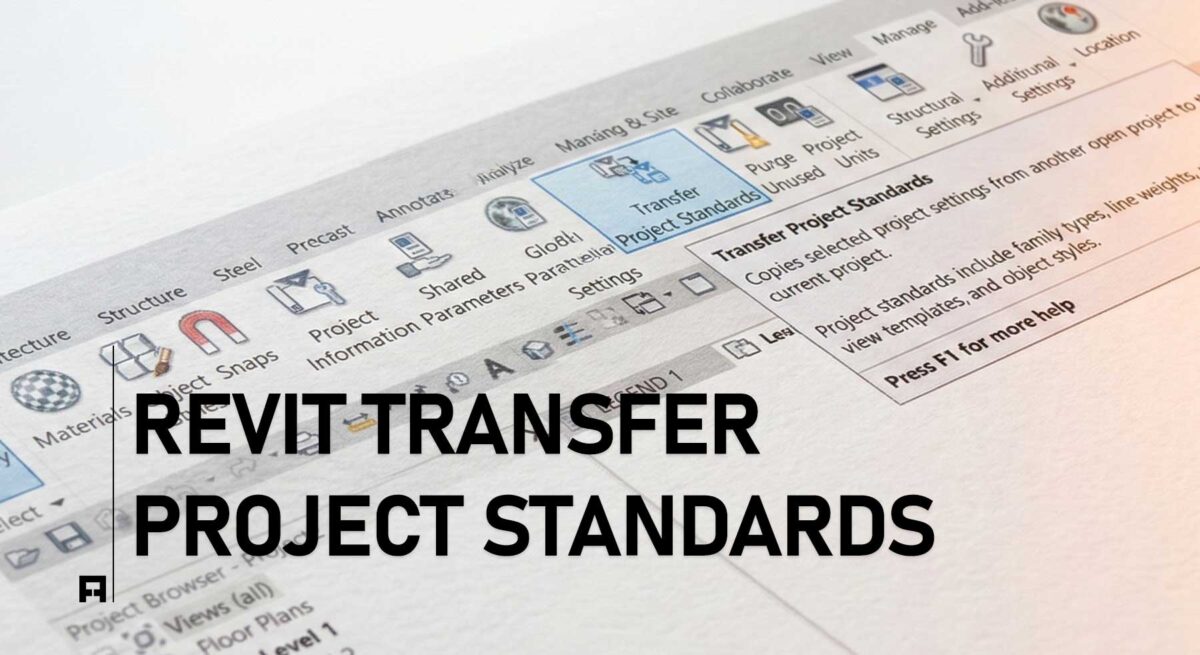
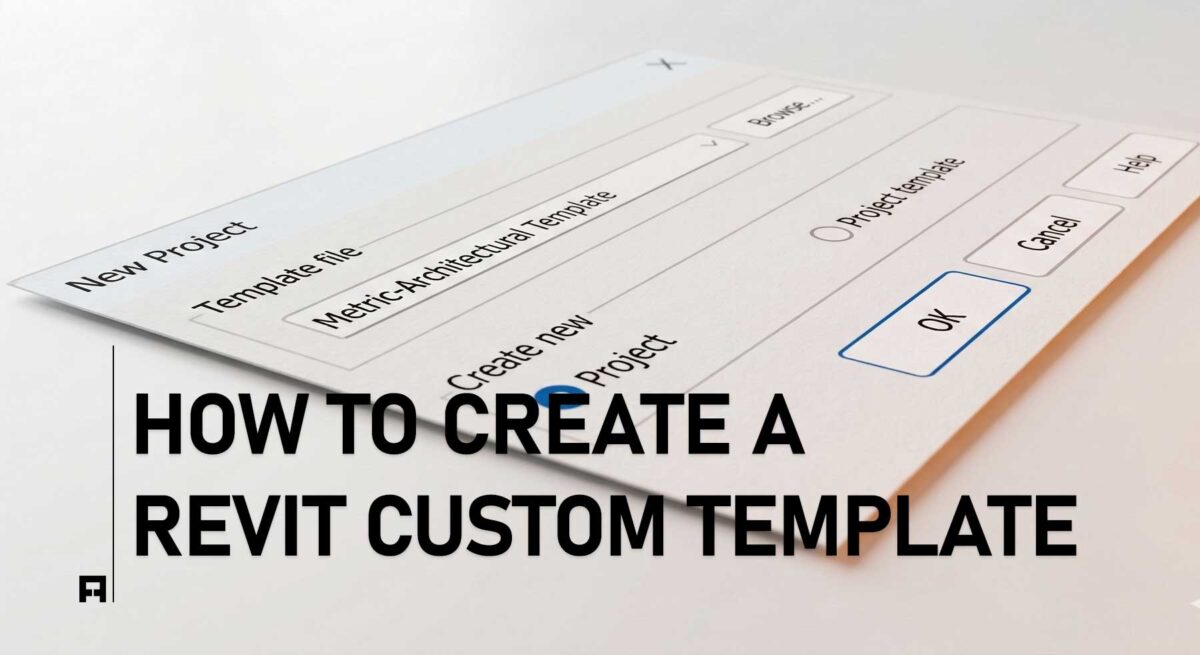
Free Revit Interior Design Template Download
01/08/2025

Building Information Modeling
BIM, building information modeling, is the most critical technology in AEC.
What is BIM? A Beginner’s Guide to Building Information Modeling
Step into the future of AEC: Beyond 3D modeling into a world of intelligent data and seamless workflows.
1. Defining BIM: More Than Just a 3D Model
For many, Building Information Modeling (BIM) is often mistaken for just a fancy 3D render. However, BIM is a holistic process. It is a digital representation of the physical and functional characteristics of a facility.
At its core, BIM is a shared knowledge resource for information about a building, forming a reliable basis for decisions during its entire life cycle—from earliest conception to demolition. In the ALBE Studio philosophy, BIM is the “Digital Twin” that ensures your physical project is executed with zero errors.
2. The Dimensions of BIM (3D to 7D)
BIM adds layers of data to a model, known as dimensions. These layers help studios manage everything from costs to carbon footprints:
- 3D (The Model): The geometric, spatial representation of the building.
- 4D (Time): Adding the schedule to the model to visualize the construction sequence.
- 5D (Cost): Integrating budget and quantities for real-time financial tracking.
- 6D (Sustainability): Analyzing energy consumption and environmental impact.
- 7D (Facility Management): Data for the long-term maintenance of the building.
3. LOD & LOI: The Depth of Detail
How much “truth” is in your model? This is defined by two critical metrics:
- LOD (Level of Development): Describes the level of geometric detail, ranging from LOD 100 (Conceptual) to LOD 500 (As-Built).
- LOI (Level of Information): Describes the non-geometric data, such as material specifications, manufacturer details, and installation dates.
Precision in LOD is what separates a sketch from a professional construction document. Explore our
Essential Revit Setup to see how we standardize these levels.
4. Standardization & ISO 19650
To ensure every architect, engineer, and contractor speaks the same language, the industry follows the ISO 19650 standard. This international framework governs the organization and digitization of information.
BIM is also categorized into “Maturity Levels.” Most modern firms aim for Level 2 or Level 3, where collaboration is fully integrated via the cloud. Our
Revit Standards Guide is designed to bring your studio up to these international benchmarks.
5. Revit: The Engine of BIM
While BIM is the process, Autodesk Revit is the primary tool used to achieve it. Revit allows for parametric modeling, meaning a change in a floor plan is automatically reflected in sections, elevations, and schedules.
To avoid the common pitfalls of default software settings, professional studios use customized environments.
ALBE Studio’s PRO Templates are engineered to handle the complex data requirements of high-end BIM projects effortlessly.
Master Your BIM Workflow
Transitioning to a BIM-based studio can be overwhelming. Start with a clear roadmap.