Mastering Revit Rendering: Your Complete Guide
02/09/2025
Why Standard Revit Templates Fail for Architecture & Interiors
There is a common frustration among Architects and Designers moving to Revit for small-scale projects:
“Why does this feel so much harder than AutoCAD?”
You download a standard template, and suddenly your file size explodes. Your floor plans look cluttered. You can’t find a decent sofa family, and your millwork details look like generic boxes.
The problem isn’t you. The problem is the Template.
The Gap Between “Construction” and “Craft”
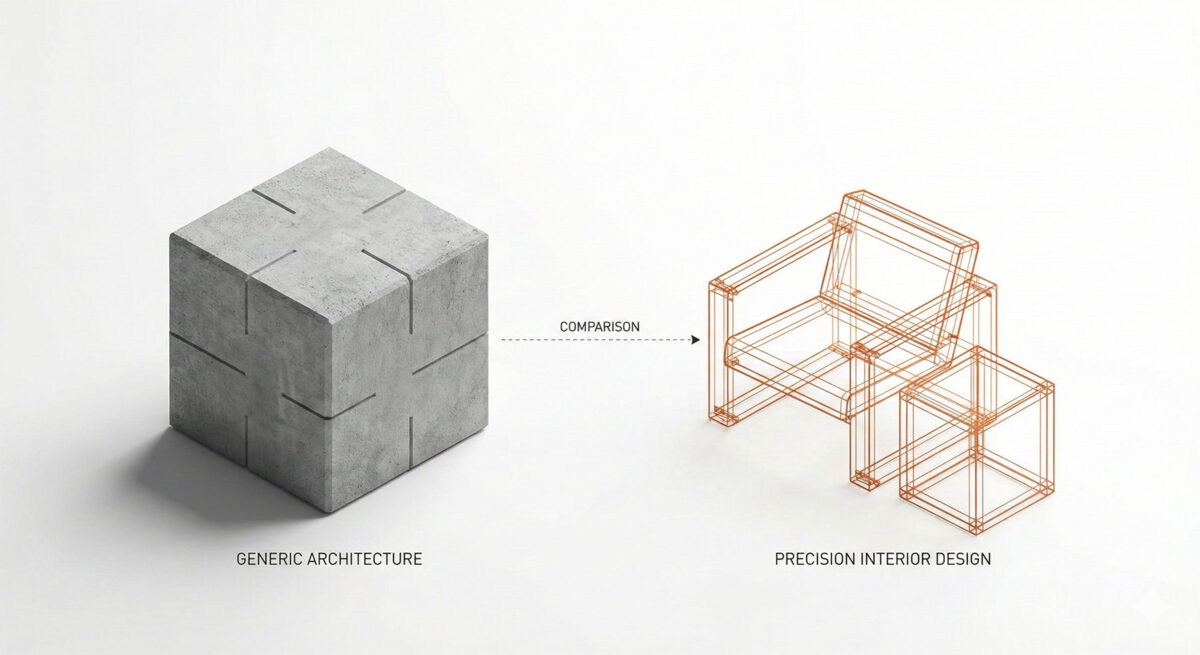
Most default Revit templates are built for Large-Scale Architecture. They are designed to document concrete, steel, and exterior envelopes at a scale of 1:100. They are not designed for the intricacies of Boutique Architecture, Renovations, and High-End Interiors.
Here are the three main reasons why generic templates fail for our industry:
1. The Scale Problem
Large firms think in meters; Boutique studios think in millimeters. A wall type in a standard template might just be “Generic 200mm.”
In a renovation or high-end interior project, that wall needs to define the existing structure, the new stud width, the acoustic insulation, the plywood backing, and the specific finish thickness. Using a coarse architectural template for fine interior work leads to inaccurate documentation.
2. The “Heavy Family” Trap
Architectural templates often lack high-quality furniture and millwork. So, designers go to websites like BIMobject and download manufacturer families. These files are often bloated with unnecessary geometry.
According to Autodesk technical notes, overloading a model with high-poly meshes causes the project file to slow down and crash. A healthy Architecture & Interior System uses lightweight families optimized for 2D documentation.
3. Graphic Inconsistency
Design is visual. We need our plans to look beautiful, not just technical. Standard templates force you to fight with line weights and hatch patterns that are too thick or aggressive for delicate interior drawings.
The Solution: An “Integrated System”
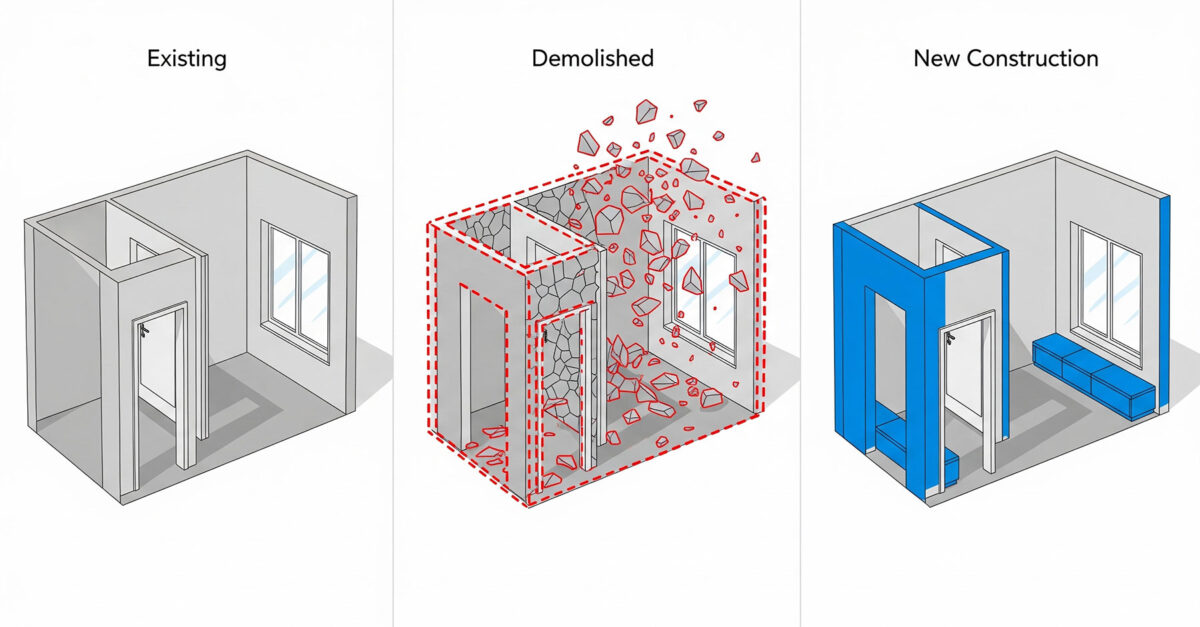
To succeed in Revit, you need to stop treating it like a drafting board and start treating it like a database. You need a system specifically engineered to handle the project from Demolition to Decor.
At ALBE Studio, we follow the 90/10 Rule:
- Model 90% of the project in 3D (Walls, Floors, Ceilings, Millwork).
- Draft 10% in 2D (Screws, sealant, intricate joinery details).
Where do I start?
You have two options: Build it yourself (using our checklist) or Download a pre-built system.
Option 1: Audit Your Current Setup (Free)
We have compiled a comprehensive Revit Architecture & Interior Checklist. It covers everything from Browser Organization to View Naming Protocols specifically for integrated projects.
📥 Get the Roadmap: Don’t guess your standards.
Option 2: Fast-Track with ALBE Systems
If you don’t have 80 hours to build a template from scratch, we have done the hard work for you. Choose the system that fits your studio: