
How to Draw Code-Compliant Stairs in AutoCAD + Free Blocks
15/12/2025
How to Plan Elevator Shafts & Lobbies in AutoCAD + Free Blocks
17/12/2025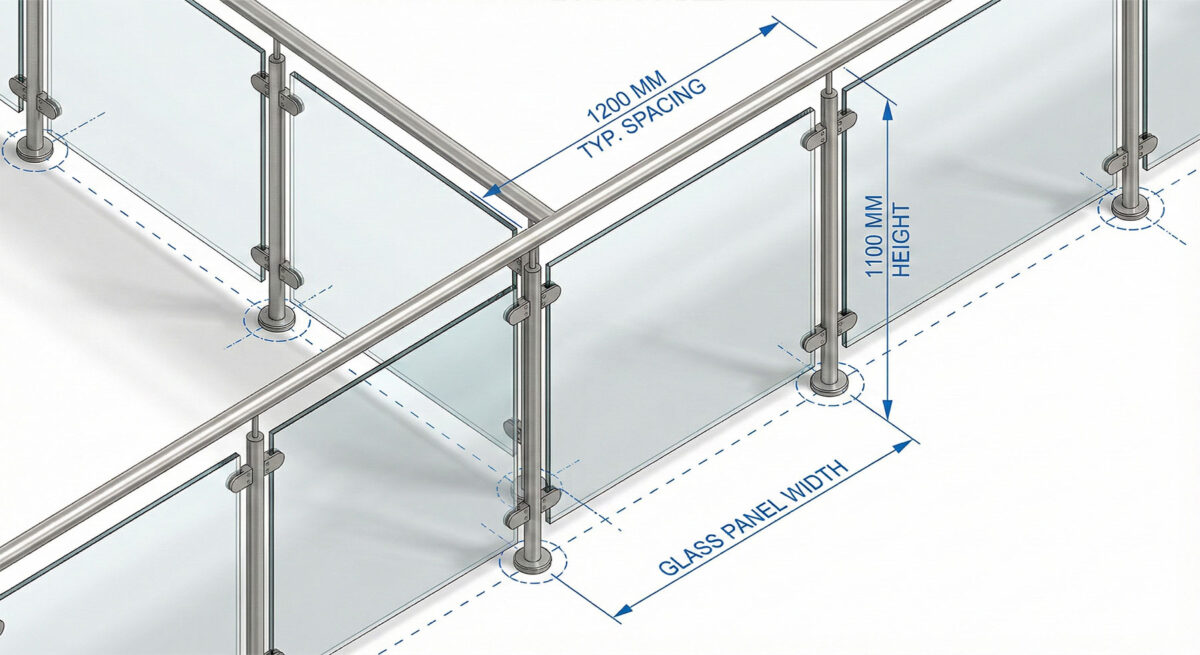
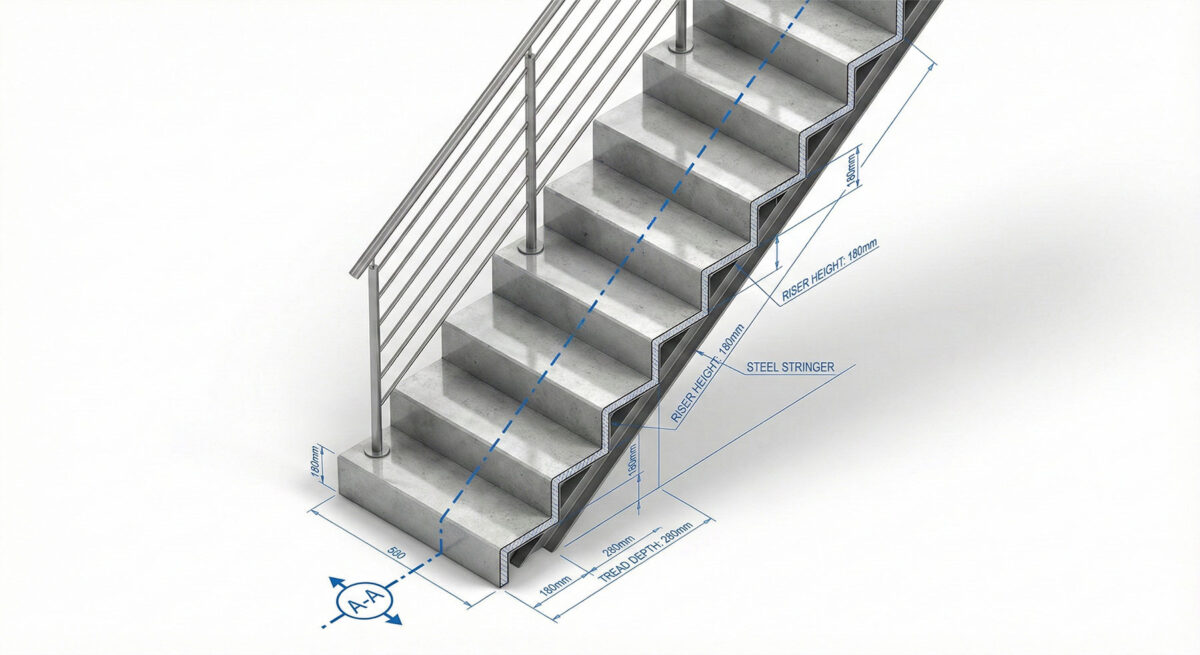
Guide to Railing & Baluster Spacing in AutoCAD + (Free DWG Download)
Drawing railings in elevation involves repetitive arrays of balusters and precise heights. Doing this line-by-line is a waste of time. A good railing block library helps you detail stairs, balconies, and decks in minutes while maintaining the correct aesthetic rhythm.
Beyond aesthetics, railings are a critical life-safety feature. Your drawings must accurately represent the height of the guardrail and the spacing of the infill (balusters, glass, or cables) to prove code compliance. Using standard blocks ensures you don’t accidentally draw a railing that is too short.
Technical Guide: Best Practices for Railing Blocks
Code compliance is critical. Follow these standards:
- The 4-Inch Rule: Ensure your baluster spacing block does not allow a 4-inch (100mm) sphere to pass through anywhere. This is the universal safety code for residential and commercial guardrails to prevent children from getting stuck.
- Height Standards: Use separate blocks for “Guardrails” (typically min. 42″ high) and “Handrails” (34″-38″ high). Mixing these up in a section drawing can lead to a failed building inspection.
For a visual guide to railing codes, check out the Stairbuilders and Manufacturers Association (SMA) Guidelines.
Expand Your General Library
Railings attach to other elements. Make sure you have:
- Stair Blocks (B12).
- Balcony Furniture (C10) to check clearance.
Watch: Video Guide to Drafting Standards
Watch this video to learn more about drafting standards for architectural drawings and how to efficiently integrate these blocks and patterns into your daily workflow.
Download the Railing Starter Pack (Free)
To help you work faster, we have created a professional AutoCAD Railing & Handrail Pack. It includes Glass, Picket, and Cable railings in plan and elevation. It is fully layered, purgable, and ready to use.
[Image: Preview of the Glass and Picket Railing blocks]
Become a Revit & BIM Expert
Ready to move beyond AutoCAD? Check out our Revit Interior Design Course to master BIM workflows.